 HIXOR
You can check your company's security state for free
Key points
- What a free self-check (25 questions) tells you is "where you stand now". It is not proof that you are safe
- The IPA's official self-assessment scores its four answers (doing it 4 points, partly doing it 2 points, not doing it 0 points, don't know −1 point). A "don't know" is a result in itself: it needs checking
- What you enter into the self-check and the backup planner is processed inside your browser and is not sent to a server. Do not enter secrets such as passwords
- Read the results as the "not done" and "don't know" lists, not as a score. A "yes" is your understanding — for important items, check by actually trying
- The first three to tackle: multi-factor authentication for administrator accounts and email, backups kept separately plus a restore test, and a procedure for disabling leavers' accounts
- The security assessment (¥30,000 excl. tax) organises things based on your answers. It includes no verification, certification or guarantee
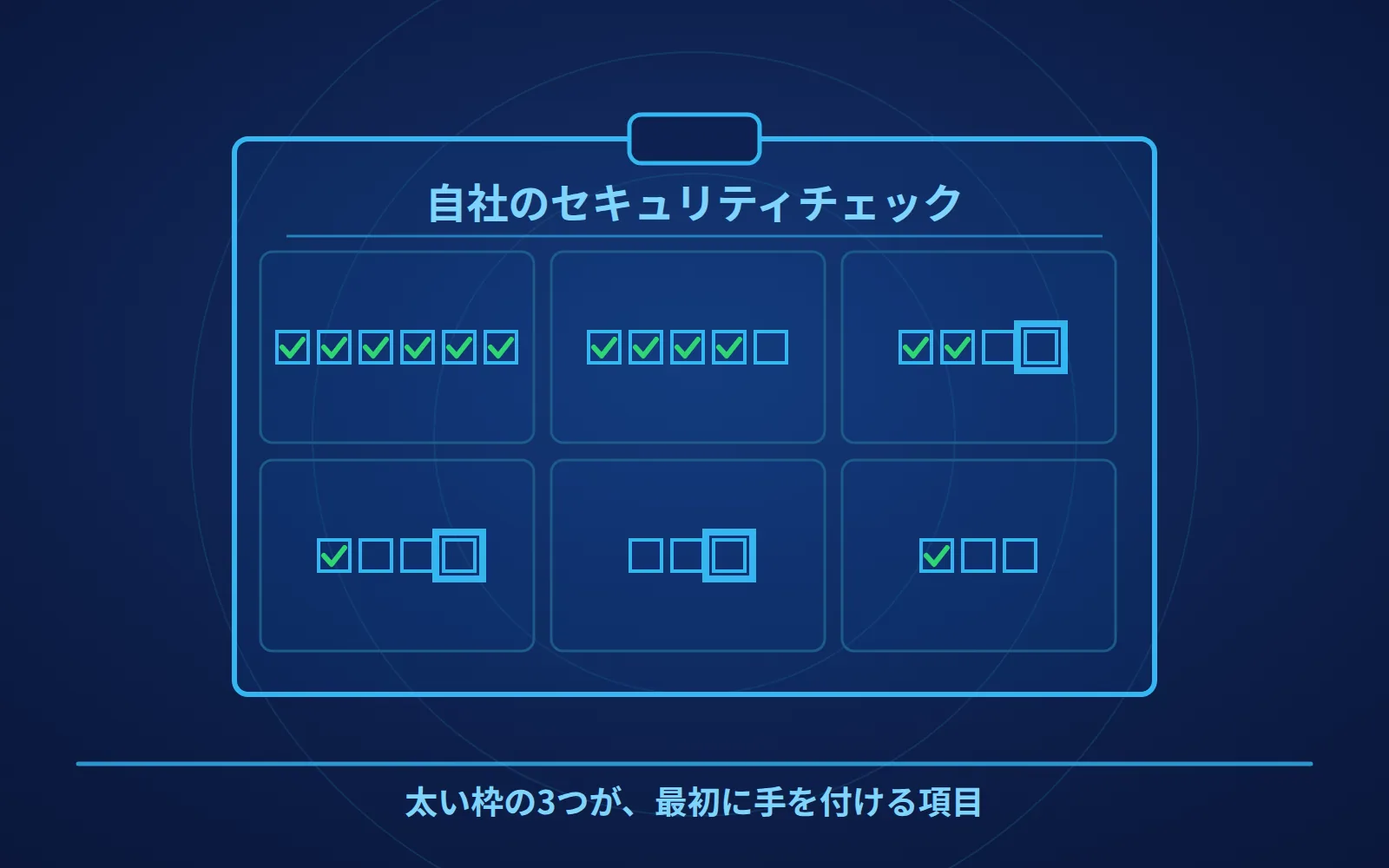
You can check your company's current security state first, for free, with the security self-check (25 questions, about 3 minutes). You answer "yes", "no" or "don't know". When you finish, it shows how many items are done, the results by area, and the items still open together with what to do next. This article explains what this check can and cannot tell you, how the information you enter is handled, how to read the results, the first three things to tackle, and how to have a third party look at it all. One thing first, clearly: what a free check tells you is "where you stand now". It is not proof that you are safe.
Three ways to check: the self-check tool, the IPA self-assessment, a third-party assessment
There are, broadly, three ways to check your company's state.
- HIXOR's free self-check tool. A guided trial version: you answer 25 questions (about 3 minutes). It lets you experience, with guidance, the viewpoints of the IPA's "five-minute information security self-assessment" (25 items). It is not the IPA's official self-assessment
- The IPA's official self-assessment. Appendix 3 of the IPA's "SME Information Security Guidelines", 4th edition (published 27 March 2026). You answer 25 items with four choices: "doing it", "partly doing it", "not doing it", "don't know". An Excel version is also available (published 21 April 2026). It is also used when declaring the second star of SECURITY ACTION
- A third-party assessment. Having someone else organise the points that are hard to see from questions alone. HIXOR's security assessment is paid (¥30,000 excl. tax) and organises your state based on your answers. A later section explains it
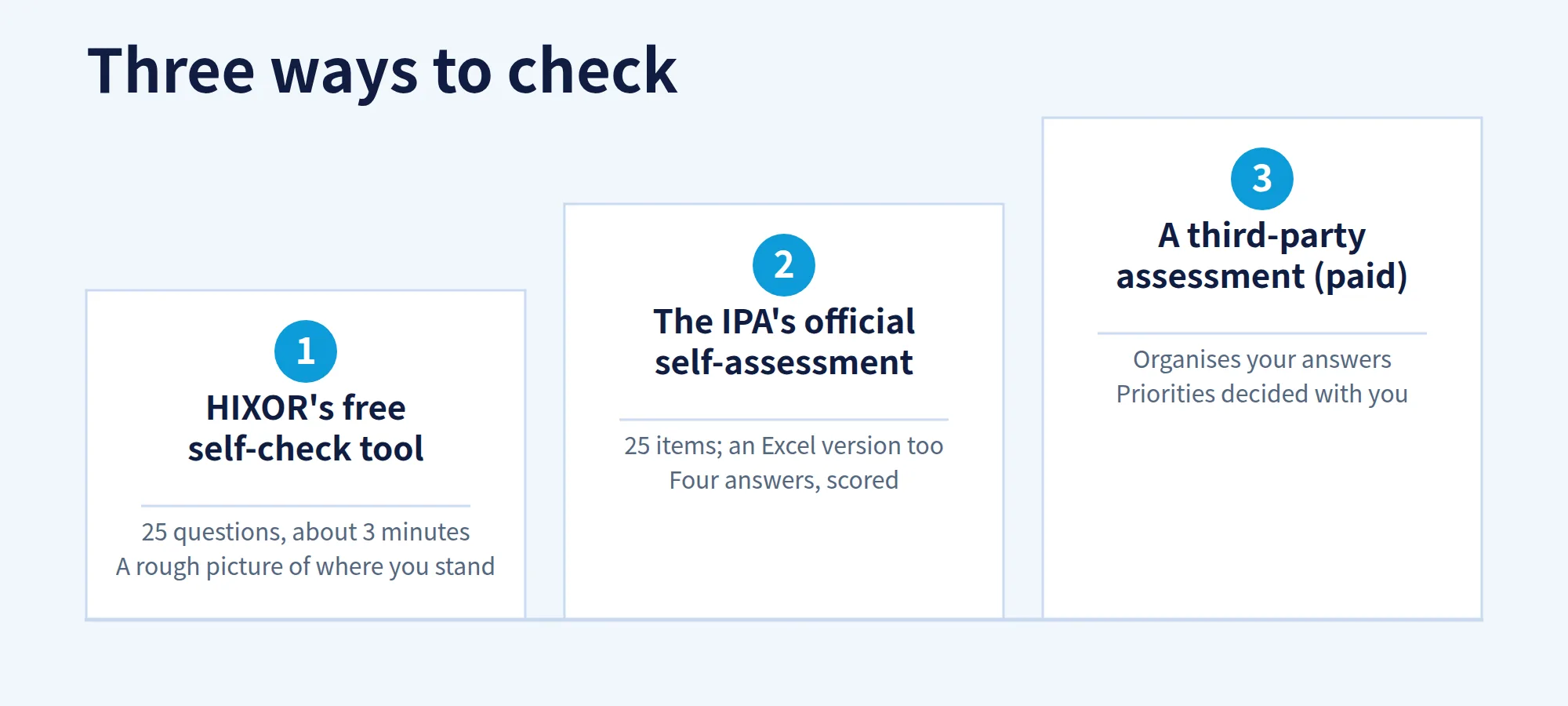
Start with 1., and use the results to decide whether to move on to 2. or 3. That is enough.
What a self-check can tell you — and what it cannot
A self-check organises your (or the person in charge's) understanding, along a set of questions. Because of that, what it can and cannot tell you is clear-cut.
| What it tells you | The breakdown of your answers across the 25 items (done / not done / don't know); where the gaps cluster, by area; the next step for each item still open; the areas with many "don't know" answers (that is, the areas that need checking first) |
|---|---|
| What it cannot tell you | Whether the settings are actually right (the answers are the understanding of the person who answered); problems already happening (infection, rogue logins, and the like); settings the person answering does not know about; the state of your trading partners and contractors; risks not covered by the 25 items |
| What it can never say | "You are safe" or "no incident will happen". Even if all 25 items are "done", that is not proof of safety |
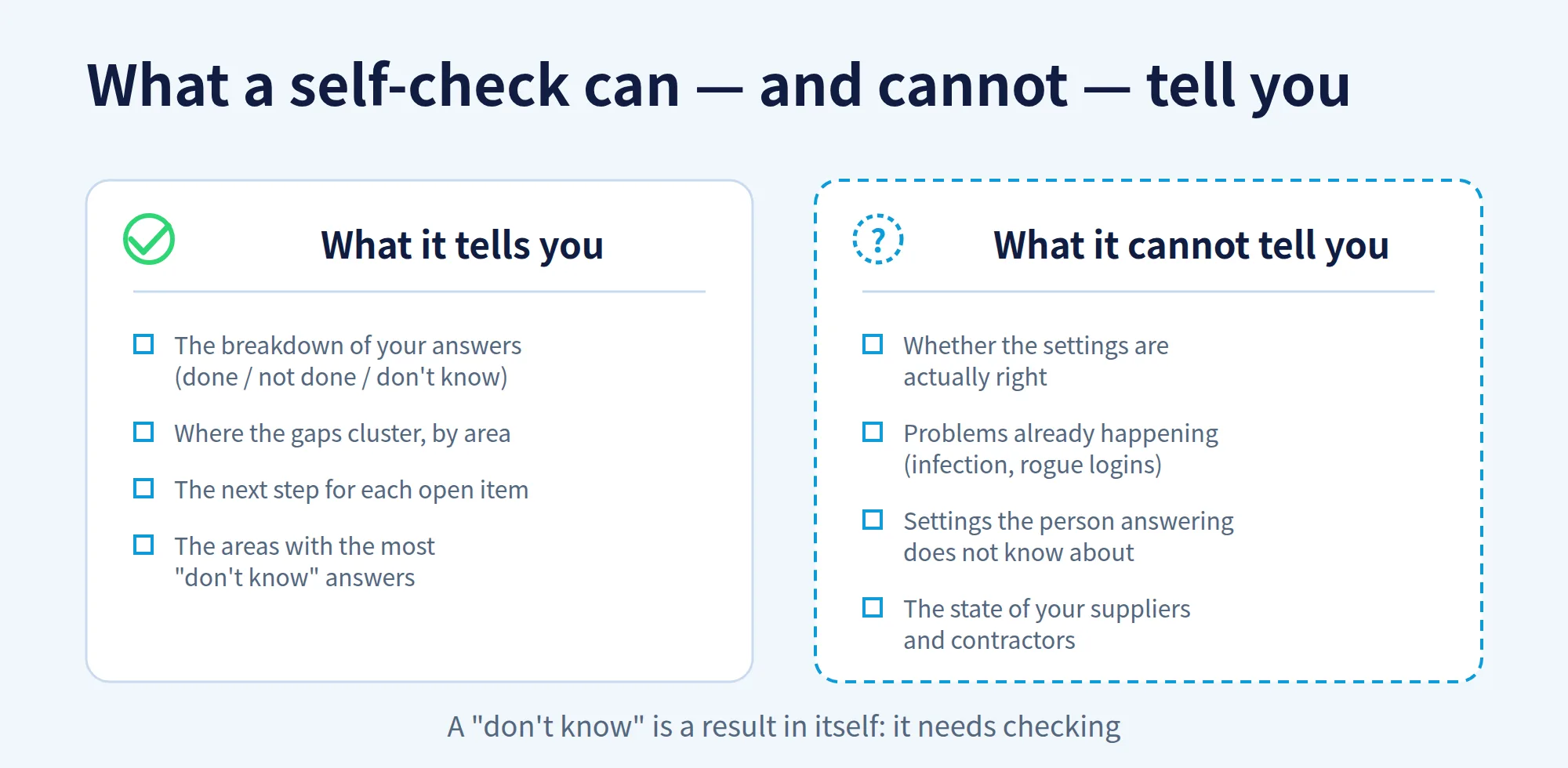
This division is HIXOR's organisation (it follows from the nature of a question-based method). The IPA's self-assessment, too, is made so that "after the assessment, you look at the results and consider your measures".
What happens to what you enter: how each free tool handles it
HIXOR's free tools handle what you enter differently. What each tool's page states is as follows.
| Tool | What it does | How what you enter is handled |
|---|---|---|
| Security self-check | Checks your current state with 25 questions | Your answers are processed only inside your browser and are not sent to a server. Do not enter secrets such as passwords |
| Backup 3-2-1 planner | An educational tool showing how to think about designing backups on the 3-2-1 rule. It does not guarantee recovery | What you enter is processed inside your browser |
| Email address leak check | Guides you through checking whether your email address was included in a past large-scale data leak | You enter your email address only on the site of the public database used for the check, "Have I Been Pwned". It is not passed to HIXOR |
| Simple website security scan (free) | Checks 13 public settings of your own website (HTTPS, security headers, cookies, email authentication, and the like) from the outside, and sends a PDF report by email | Unlike the other tools, you submit a domain name and an email address through a form. Only the owner of that domain, or someone formally authorised by them, may request it. The report is sent only to the requester and is not published |
The last one, the website check, is an observation of a site's public settings. It does not look at screens that need a login, or inside the server. It is not a tool for checking other people's sites. If your company has no website, or you want to know your company's overall state, you do not need to use it. "No problem was found" is not a guarantee of the whole site's safety — the tool's own page states this too.
HIXOR's privacy policy also provides that what you enter into the "security self-check" and the "backup 3-2-1 planner" is processed inside your browser and is not sent to HIXOR's servers.
Reading the results: look at the "not done" and "don't know" lists, not the score
The self-check's results are a number — "X of the 25 items are 'done'" — the results by area, and a list of the items still open. A short comment is attached according to the number, but all of them are guides. What you should look at is not the number, but the list.
The IPA's official self-assessment attaches the following scores to its four answers.
| Answer | Score |
|---|---|
| Doing it | 4 points |
| Partly doing it | 2 points |
| Not doing it | 0 points |
| Don't know | −1 point |
The full score is 100 points across the 25 items. Note that "don't know" carries a minus score. A "don't know" item does not mean "worse than not doing it". It means that until you check, you cannot tell whether it is done or not. When you read the results, start by checking the "don't know" items inside your company.
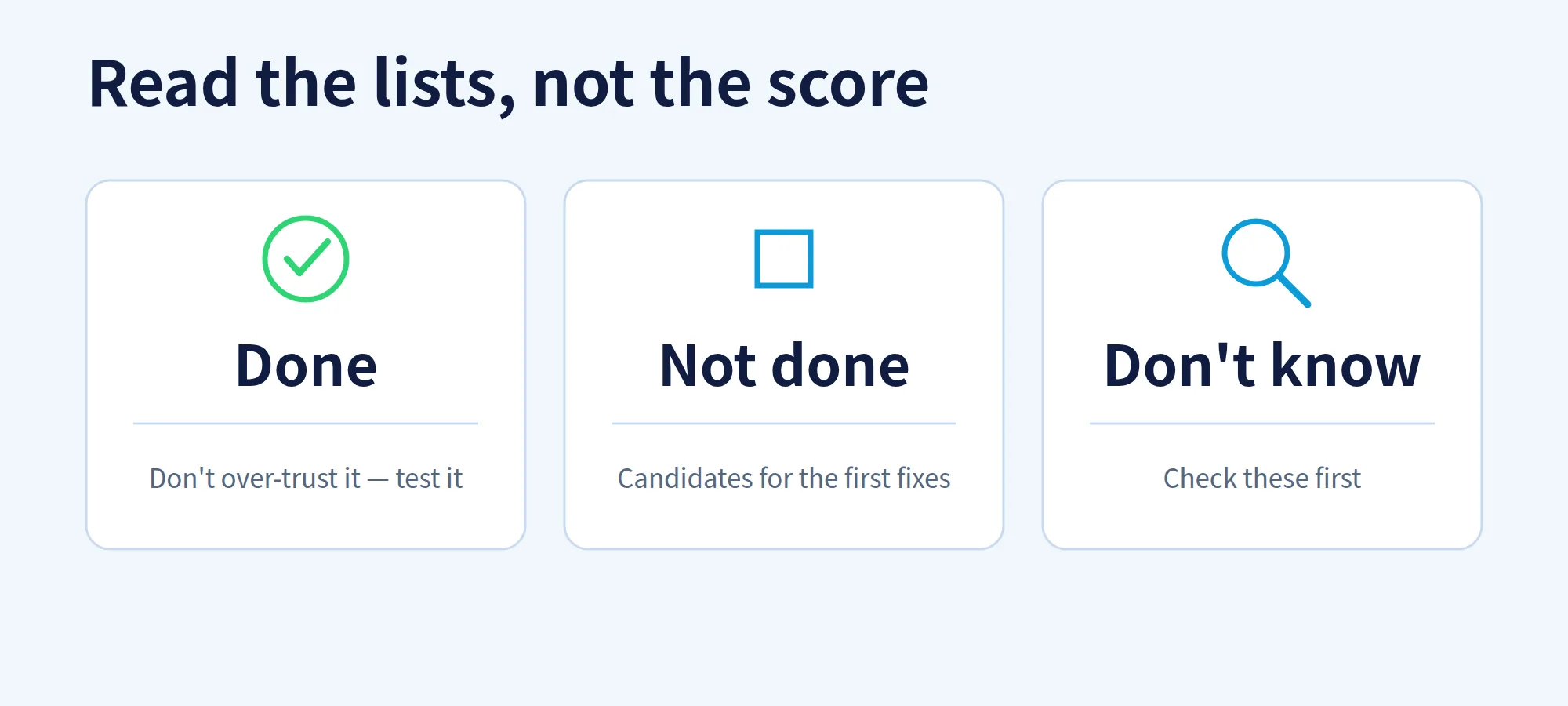
There are three points to keep in mind when looking at the results.
- Check the "don't know" items. For example, whether the router's admin screen can be opened from outside, or whether a backup can actually be restored. Ask the person in charge or your maintenance company, and turn each one into a "yes" or a "no"
- Look at where the gaps cluster, by area. A skew — device updates are progressing, but account management is not yet done — is a hint for the next move
- Do not over-trust a "yes". A "yes" is your understanding. "We take backups" does not necessarily mean "we can restore from them". Whether you can restore is something you only learn by trying
The first three to tackle: authentication, backups, leavers' accounts
Even if the results list many items still open, you cannot fix them all at once. HIXOR organises the first three to tackle as follows. No public body prescribes this order. They were chosen on the thinking that "even if other measures are breached, these keep the damage small" — this is HIXOR's organisation.
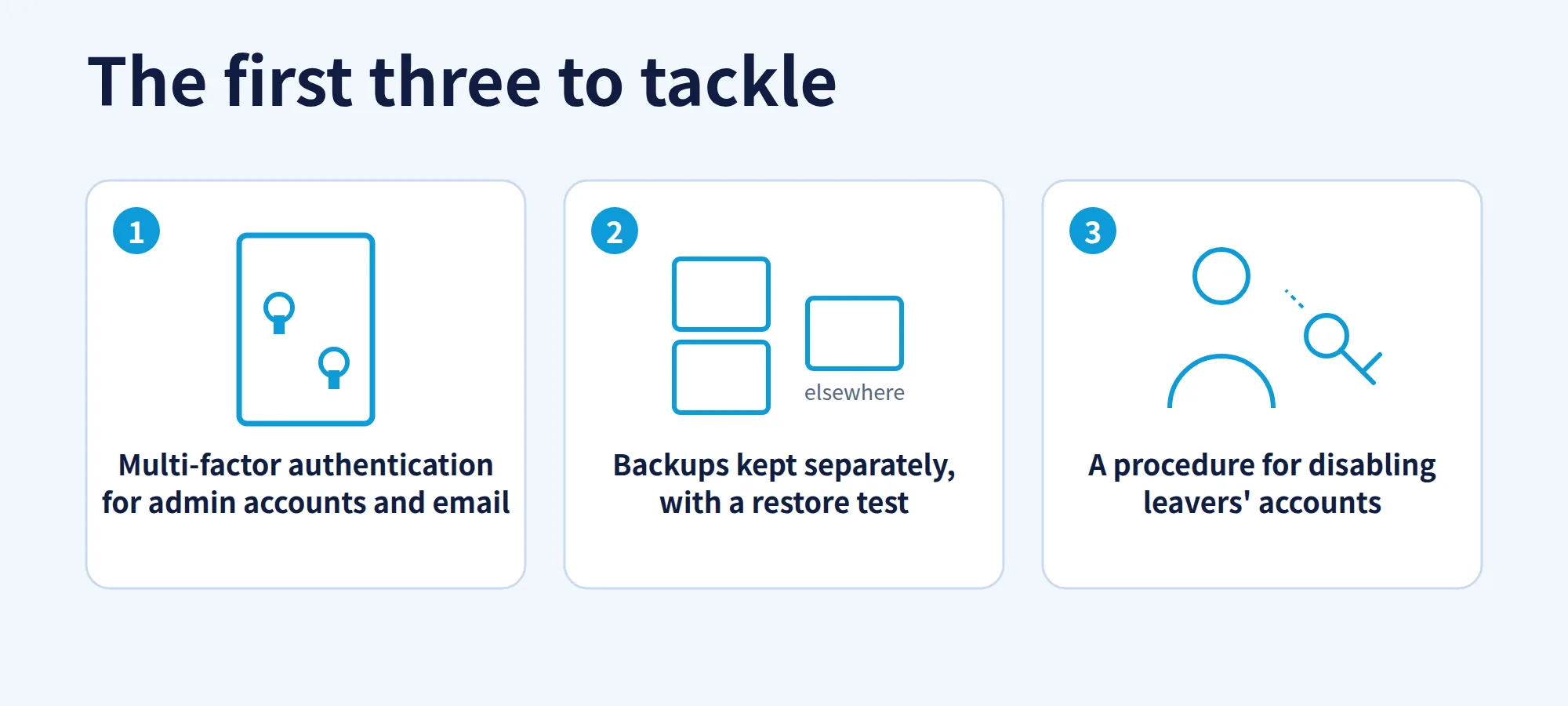
1. Multi-factor authentication for administrator accounts and email. Even if a password leaks, that alone no longer lets someone in. The commentary to the IPA's self-assessment also recommends, where VPNs or important systems are used, strengthening authentication with multi-factor authentication where possible. How to roll it out is covered in Multi-factor authentication for small companies: the rollout order.
2. Backups kept separately, and a restore test. Backups also appear in the IPA's "six information security rules". Keep them in a place separate from the original data, and test once whether you can actually restore from them. The tool Backup 3-2-1 planner lets you check the design thinking. How backups are treated as ransomware readiness is covered in Ransomware readiness: the first five things to do.
3. A procedure for disabling the accounts of people who leave or move. If accounts that are no longer used remain, they stay as an entrance that nobody notices. The IPA's SME Guidelines, 4th edition, call for deciding the procedures for issuing, changing and deleting user IDs. The concrete steps are in Former employees' accounts: what to stop, when, and in what order.
If all three are already "yes", choose from the results list the next item with the largest impact. The rule for when money moves (confirming a change of bank details through a separate channel) costs nothing and can be decided right away.
When you can proceed on your own — and when a third party's eyes help
In many cases, you can start by proceeding on your own. The IPA's guidelines divide the work into stages (STEPs): at STEP 2, you use the "five-minute information security self-assessment" to grasp your company's weaknesses, decide the basic measures, and draw up a basic policy. The same guidelines say that at the stages where organisational efforts are strengthened (STEP 3 and STEP 4), if working with in-house people is difficult, using an outside specialist can also be useful.
In cases like the following, it is worth considering having a third party organise things. This is HIXOR's organisation.
- There are many "don't know" items, and nobody in the company who can check them
- You cannot set the priorities — which item to start with
- A trading partner is asking about the state of your security, and you need it organised in order to answer (how to answer the questionnaire itself is covered in how to answer a customer's security questionnaire)
- The person in charge wears several hats and has no time
What the security assessment hands over: check the sample report
HIXOR's security assessment is a service that checks the current state of your measures and presents improvement proposals with priorities attached. The fee is fixed: ¥30,000 excl. tax (¥33,000 incl. tax). It proceeds in four steps: an enquiry (email or chat); confirmation of the estimate and order form (the amount is fixed before work starts); a hearing and a check of the current state; and delivery of the assessment report and the prioritised improvement list. What is handed over is a current-state assessment report, a prioritised improvement list, and a 90-day improvement plan.
You can check the shape in the sample report (an example of a fictitious company). The sample is for checking the format and contains no real company's information. The sample contains the following.
- The answer state of the basic 31 items and 4 additional items by business type (done / partly / not done / unconfirmed / not applicable). The sample's tally is: done 3, partly 10, not done 15, unconfirmed 3, not applicable 0 (fictitious)
- The items to advance with priority (multi-factor authentication for administrator accounts, a procedure for disabling the accounts of leavers and transferees, separately kept backups and a restore test, and the like). The priorities are written as an "initial evaluation based on the questionnaire"
- For the "unconfirmed" items, what the customer checks inside their own company
- Examples of how to proceed over 30, 60 and 90 days
- A record of the check concerning SECURITY ACTION (recorded separately from the 31 items; the sample states that the 31 items are not a substitute for the IPA's official 25 items)
What the assessment does not do: it organises answers — no verification, certification or guarantee
The security assessment organises your company's state of measures and its issues based on your answers. The following are not included.
- Access to devices or systems, or direct checking of settings
- Vulnerability scans, penetration tests, or verification that attempts attacks
- Constant monitoring, or incident response
- Work such as configuring MFA or building backups (measures after the assessment are estimated separately, according to content)
- Granting any official certification. SECURITY ACTION is a self-declaration, not a certification
- Guarantees such as "you are safe", "no incident will happen", or "a subsidy will be granted"
The sample report also states that "the priorities here are an initial evaluation based on the questionnaire, and do not mean that HIXOR technically discovered intrusions, failures or setting defects". The results are an organisation of your answers. The actual state of the settings has not been checked.
Frequently asked questions
Q. Is what I enter into the self-check sent anywhere?
A. No. Your answers are processed only inside your browser. However, do not enter secrets such as passwords.
Q. If my assessment results are poor, does that mean we are in danger?
A. The results are a guide. A low score does not mean an incident will happen, and a high score does not mean you are safe. Work through the "not done" and "don't know" lists in order.
Q. If I take the security assessment, do I receive SECURITY ACTION's ★★?
A. No. SECURITY ACTION is the IPA's self-declaration scheme; the IPA does not certify it. You make the declaration yourself, in the IPA's management system. The steps for declaring are set out in SECURITY ACTION One Star and Two Stars: How to Declare and What to Prepare.
Q. Can I take the security assessment right away?
A. The service page gives the capacity guide as up to two cases per month. For the latest availability, please enquire.
Decisions to make once you have the results
Once you have seen the results, decide the following and leave a record.
- Decided who will check the self-check's "don't know" items inside the company
- Chose the first three to tackle from the "not done" items
- Decided the owners of the three, and dates you can actually keep
- Actually tested the important items among the "yes" answers (restoring a backup, administrator authentication)
- Left the results, and the dates you dealt with them, as a record
- Considered, against the conditions above, whether a third party's eyes are needed
Next step: first, find out where you stand with the self-check
There is one thing you can do today. Answer the security self-check — about 3 minutes — and write down the "don't know" and "not done" items. From there, decide the first three to tackle. If you would like the organised results looked at by a third party, there is the security assessment. In what order to advance the company's measures as a whole is covered in Small business cybersecurity: where to start.
Check your understanding
Q1. In the self-check, all 25 items came out "done". Can you say you are safe?
Answer: No. The answers are the understanding of the person who answered. Whether the settings are actually right, or a problem has already happened, cannot be told from the answers. Important things, such as restoring a backup, you check by actually trying them.
Q2. In the IPA's official self-assessment, how many points is "don't know"? And what does it mean?
Answer: −1 point. It does not mean "worse than not doing it"; it means that until you check, you cannot tell whether it is done or not. First, check inside the company and turn it into a "yes" or a "no".
Q3. If you have the security assessment's report, can you explain to a trading partner that "there are no vulnerabilities"?
Answer: No. The security assessment organises things based on your answers; it includes no verification of vulnerabilities and no guarantee of safety. Tell the trading partner, as is actually the case, that "we have organised our current state based on our answers, and are advancing in priority order".
Review your current posture with 25 questions. Runs in your browser only.
Check your understanding
Tap an answer to check yourself. Nothing is saved or sent.
Start the quiz3 questions
Q1. In the self-check, all 25 items came out "done". Can you say you are safe?
See the answer
What a self-check tells you is where you stand now. Important things, such as restoring a backup, you check by actually trying them.
Q2. In the IPA's official self-assessment, what is the score for "don't know", and what does it mean?
See the answer
The scores are: doing it 4 points, partly doing it 2 points, not doing it 0 points, don't know −1 point. First, check inside the company and turn it into a "yes" or a "no".
Q3. If you have the security assessment's report, can you explain to a trading partner that "there are no vulnerabilities"?
See the answer
Tell the trading partner, as is actually the case, that you have organised your current state based on your answers and are advancing in priority order.
See the latest threat intelligence