 HIXOR
Before You Paste Company Information into an AI Chat — What Never to Enter, and the Setting That Stops Training
Key points
- On personal AI-chat plans, what you type may be used to train the model by default. Treat anything you enter as having left the building
- Customer and personal information, unreleased business information, IDs and passwords, and contracts with real names never go in — whatever the settings
- In ChatGPT, turning off "Improve the model for everyone" under Settings > Data controls stops new conversations being used for training while keeping your history (OpenAI's official help)
- For work, use a business plan that does not train on your data. Do not handle company information in a personal free account
Official sources
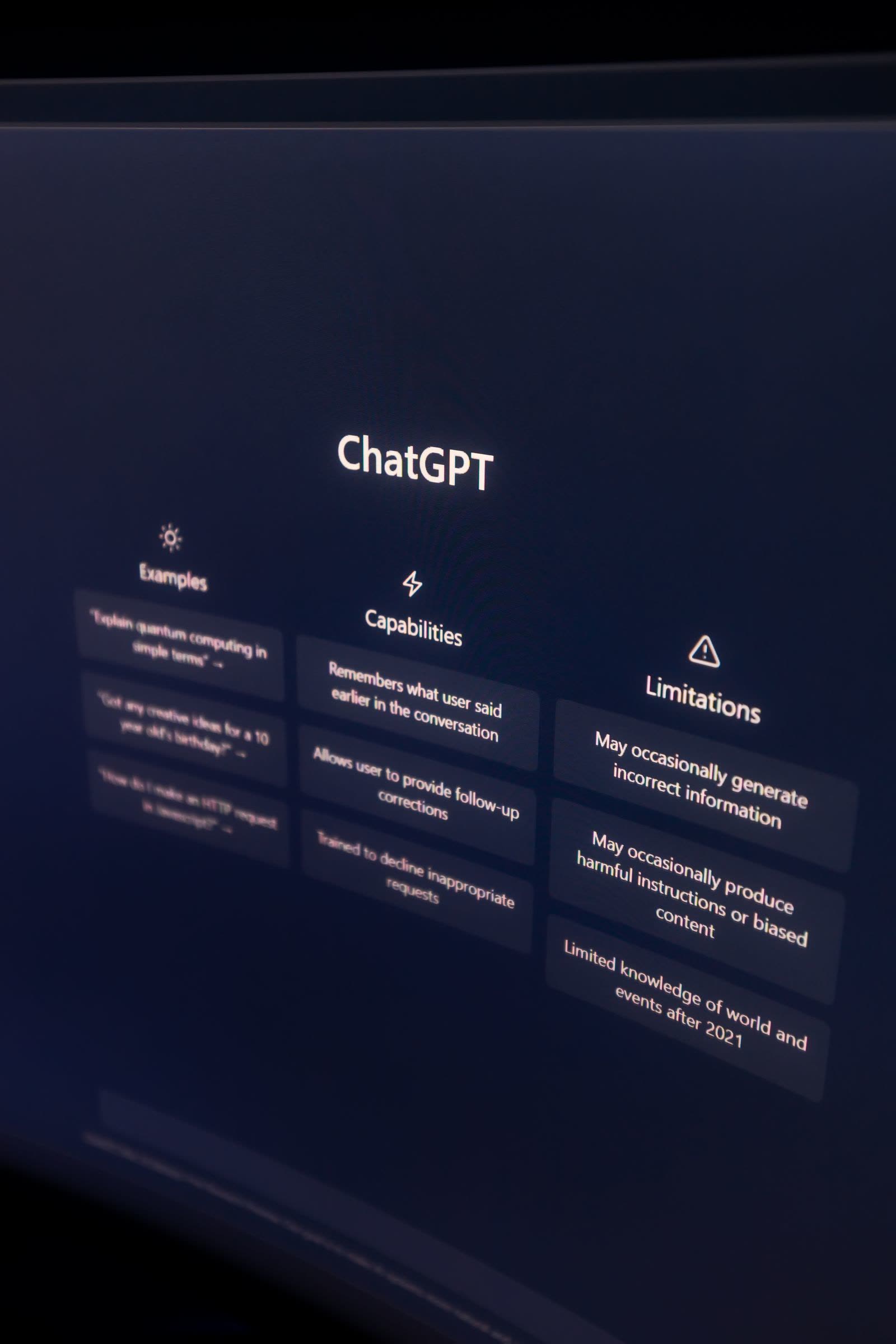
(Lead) AI chat is useful, but few companies have decided what may be typed into it. This guide explains where entered information goes, what must never be entered, and the setting to change on a representative service.
Where does entered information go?
On personal plans (free and individual paid tiers), what you enter may be used to improve the service and train models. Once content is used for training, in principle it cannot be taken back. Overseas, cases have been reported of employees pasting work source code into an AI chat and causing an information leak. Before any setting: treat anything you enter as having left the building.
What never goes in, whatever the settings
- Customer and personal information (names, addresses, phone numbers, order details)
- Unreleased business information (prices, sales, deal terms, new-product details)
- IDs, passwords, secret keys, card details
- Full contracts or quotes with real names and amounts
If you need AI help with wording, replace names with placeholders and remove amounts and dates first.
The ChatGPT setting that stops training
OpenAI's official help gives these steps:1. Open the account menu and choose Settings2. Choose Data controls3. Turn off "Improve the model for everyone"
With it off, new conversations are not used for training, and your chat history remains. One caution from the official help: rating an answer (thumbs up/down) can still make that conversation be used for training. The same setting exists in the iOS/Android apps under profile > Settings > Data controls.
For work, use a business plan
Business plans (such as ChatGPT Business / Enterprise) state that entered content is not used for model training. If the company uses AI chat, the starting point of information management is to provide a company-managed business plan — not personal free accounts — and to decide who may use it for what. Our guide "Generative AI Rules at Work: The Minimum Set for a Small Company" covers the rules.
Summary: today's checklist
- Decided which kinds of information must never be entered
- Stopped handling company information in personal accounts
- Checked the ChatGPT data-controls setting
- Considered a business plan for work use
Review your current posture with 25 questions. Runs in your browser only.
Check your understanding
Tap an answer to check yourself. Nothing is saved or sent.
Q1. On a personal AI-chat plan, what can happen to what you type?
See the answer
Some personal plans share data by default. Treat anything entered as having left the building.
Q2. Which ChatGPT setting stops new conversations being used for training?
See the answer
History remains, and new conversations are not used for training (OpenAI's official help). A rated conversation can be an exception.
Q3. You want AI to summarize a contract with real names. The right approach is:
See the answer
Confidential information stays out regardless of settings. Mask first, then use.
Read next
Stop Reusing Passwords — The First Step
Why reusing the same password is dangerous (credential-stuffing / password-list attacks) and how to stop, step by step, based on official IPA and JPCERT/CC guidance.
Read more →What Is the Cyber Threat Forecast? The Four Levels and How to Read Them
How to read the Cyber Threat Forecast, without technical terms: the four levels (Normal, Attention, Warning, Emergency), why Japan and the world have separate levels, and how to use the page day to day.
Read more →See the latest threat intelligence